Semblen for Chrome
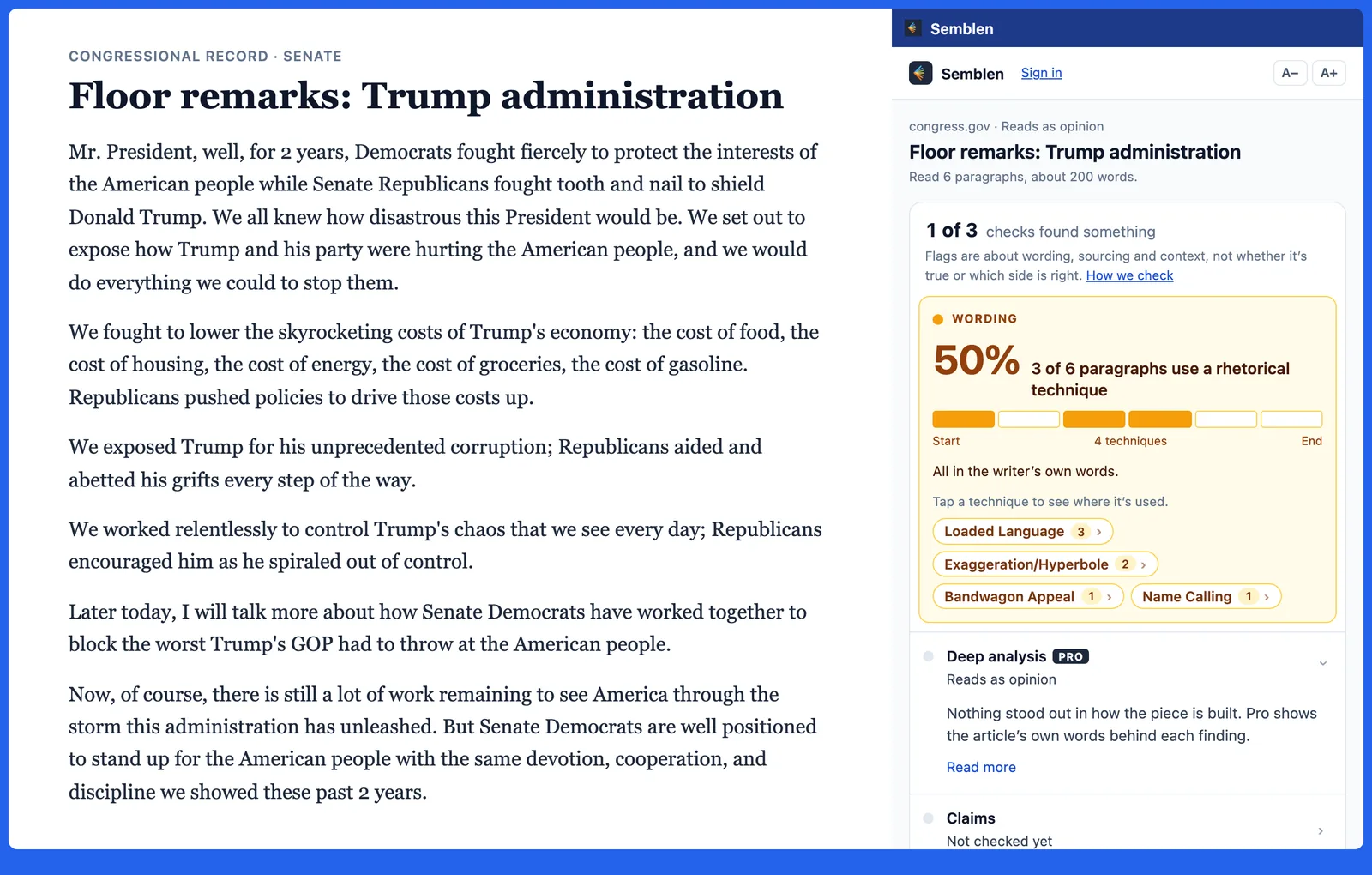
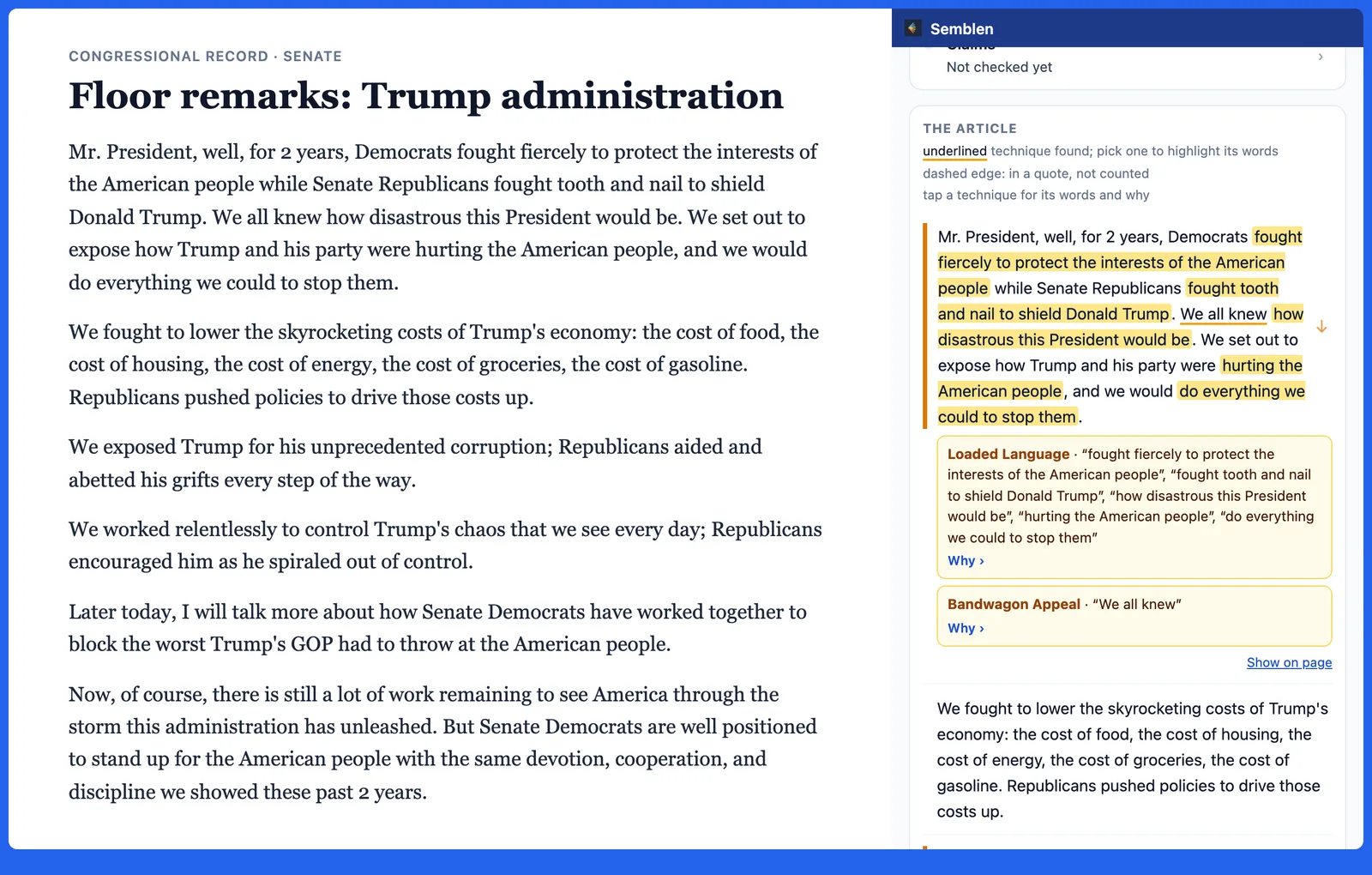
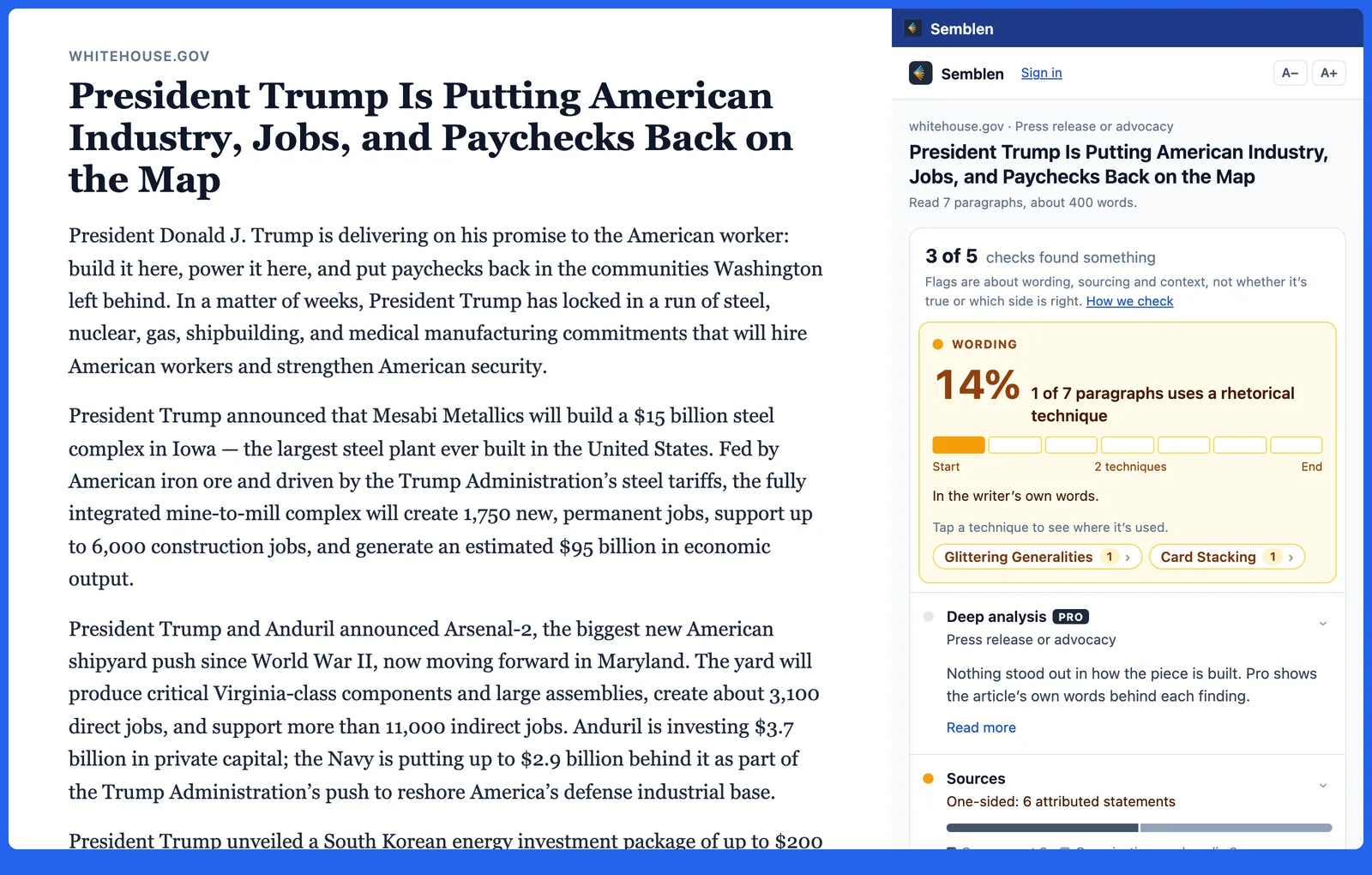
Click the Semblen icon on any article and a side panel shows the rhetorical techniques in it: loaded language, name calling, appeals to fear and more. Each one has its words marked and a sentence on why it was flagged. It's free.
The extension runs in Chrome on a computer. On a phone, paste a link or text into the analyzer instead.
How to use it
- Add Semblen from the Chrome Web Store.
- Open a news article, an opinion piece or a press release.
- Click the Semblen icon in your toolbar, or press Alt+Shift+S. The results open in a side panel next to the page.
To check only part of a page, select the text first, then click the icon. Pin the icon so it stays in view: click the puzzle-piece icon at the top right of Chrome, then the pin next to Semblen.
What it does with the page
- Nothing runs until you click the icon. It reads the page only when you click, and only that tab.
- The article's text is sent to semblen.com to be analyzed. The address of the page is sent only if you ask for the claims to be checked.
- It doesn't change the page, show ads, or collect your browsing history.
- The permissions it asks for:
activeTab(read the tab you clicked on),scripting(pull the article's text out of that tab),sidePanel(show the results),storage(pass the page to the panel), and access to semblen.com.
Free readers get 5 analyses a day. Semblen Pro raises the limit if you're signed in. To remove it, right-click the Semblen icon and choose Remove from Chrome.
See the privacy policy and terms. Made by Semblen LLC in Austin, Texas.